Instagram Post - 1080x1080 Image Resizer
This Instagram Post preset exports a 1080 x 1080 pixel image (1:1). Drop an image below and download at the exact size.
Drop an image here or
JPG, PNG or WebP - processed locally, never uploaded.
Drag to move the crop, or focus the image and use arrow keys. Hold Shift for a larger step.
Downloads as instagram-post-1080x1080.jpg
See what the square crop removes
Actual downloads from the public tool, reopened in desktop Chrome on October 2, 2026. The original image is a synthetic test fixture, not a customer photo.
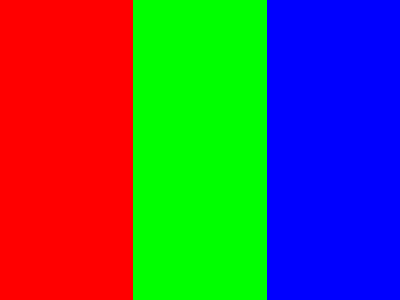
Synthetic red, green and blue bands.
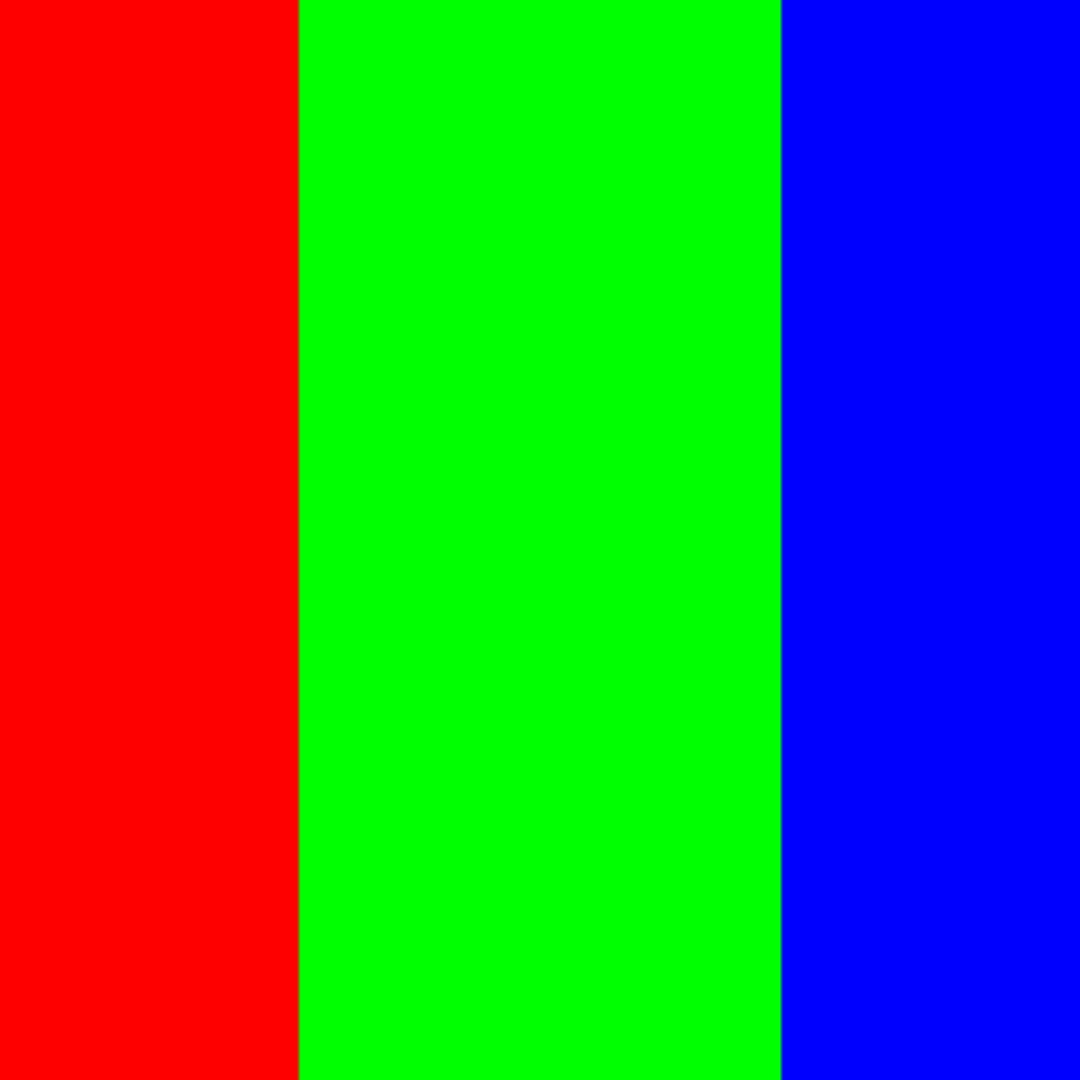
12,484 bytes. The centered crop removes 50 source pixels from each side.
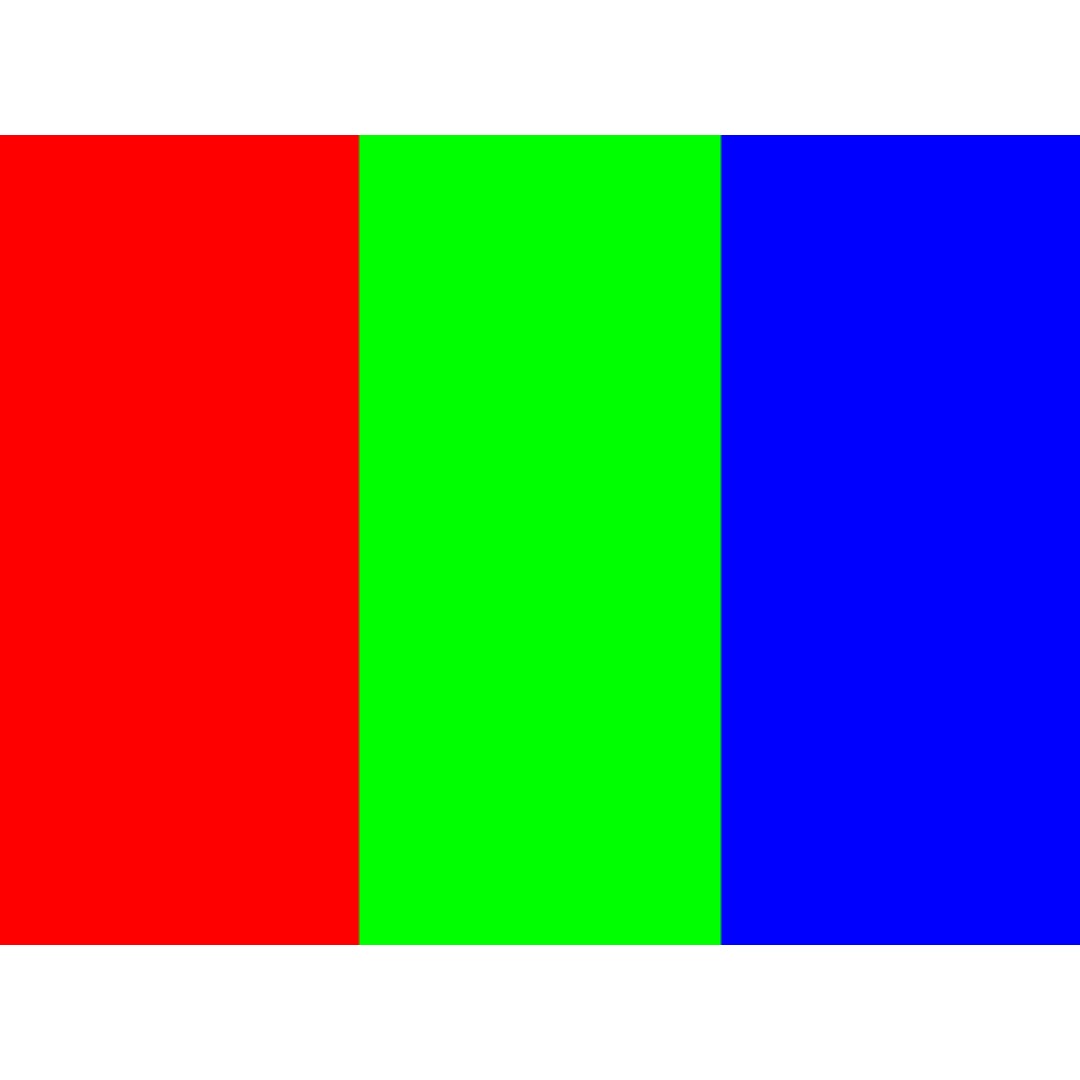
16,657 bytes. The full source becomes 1080 x 810 with 135-pixel borders above and below.
Use Fill when the center is enough; use Fit when people or text at the edges must remain.
Try the synthetic source. Byte counts depend on the image and browser. This small source is enlarged; resizing cannot restore detail. This is an export test date, not a new first-party source-check date or proof of Instagram acceptance.
How to resize to 1080x1080
- Choose a JPG, PNG or WebP image. Large files can take longer to load.
- In Fill, drag the crop frame to choose what stays. Fit keeps the whole image with borders.
- Download and inspect the result.
Help with cropping, blurry images, file sizes and download errors.
FAQ
What size does this Instagram Post preset export?
This preset exports 1080 x 1080 pixels (1080x1080). Fill crops the image without stretching it. Fit keeps the full picture and adds a colored border where needed. The format is fixed by the preset.
What should I check for this Instagram Post export?
This Post preset is a square export choice, not the only Instagram post shape. For a landscape group photo, inspect both side edges: Fill removes width, while Fit keeps everyone with top and bottom borders. A portrait source instead loses height in Fill. Preview the saved image in your actual post layout; FitShift does not simulate carousel or feed crops.
Should I export a Instagram Post as JPG or PNG?
This preset exports JPG, which does not keep transparency. In Fill, transparent areas become white; in Fit, you choose the background color. For transparent artwork or a different output format, use a suitable PNG preset or another editor.
Is this Instagram Post resizer free and private?
Resizing is free with no sign-up. FitShift's image code processes the selected file in your browser, without an upload. The website still makes ordinary hosting requests; see the privacy page for that distinction.