Instagram Story - 1080x1920 Image Resizer
This Instagram Story preset exports a 1080 x 1920 pixel image (9:16). Drop an image below and download at the exact size.
Drop an image here or
JPG, PNG or WebP - processed locally, never uploaded.
Drag to move the crop, or focus the image and use arrow keys. Hold Shift for a larger step.
Downloads as instagram-story-1080x1920.jpg
See what a tall Story crop keeps
Actual downloads from the public tool, reopened in desktop Chrome on October 2, 2026. The original image is a synthetic test fixture, not a customer photo.
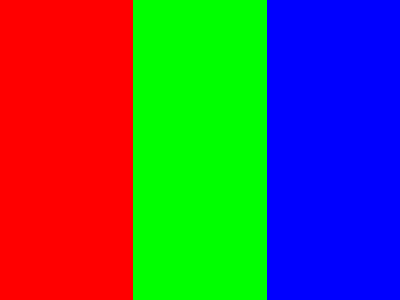
A landscape source has much more width than this tall canvas.
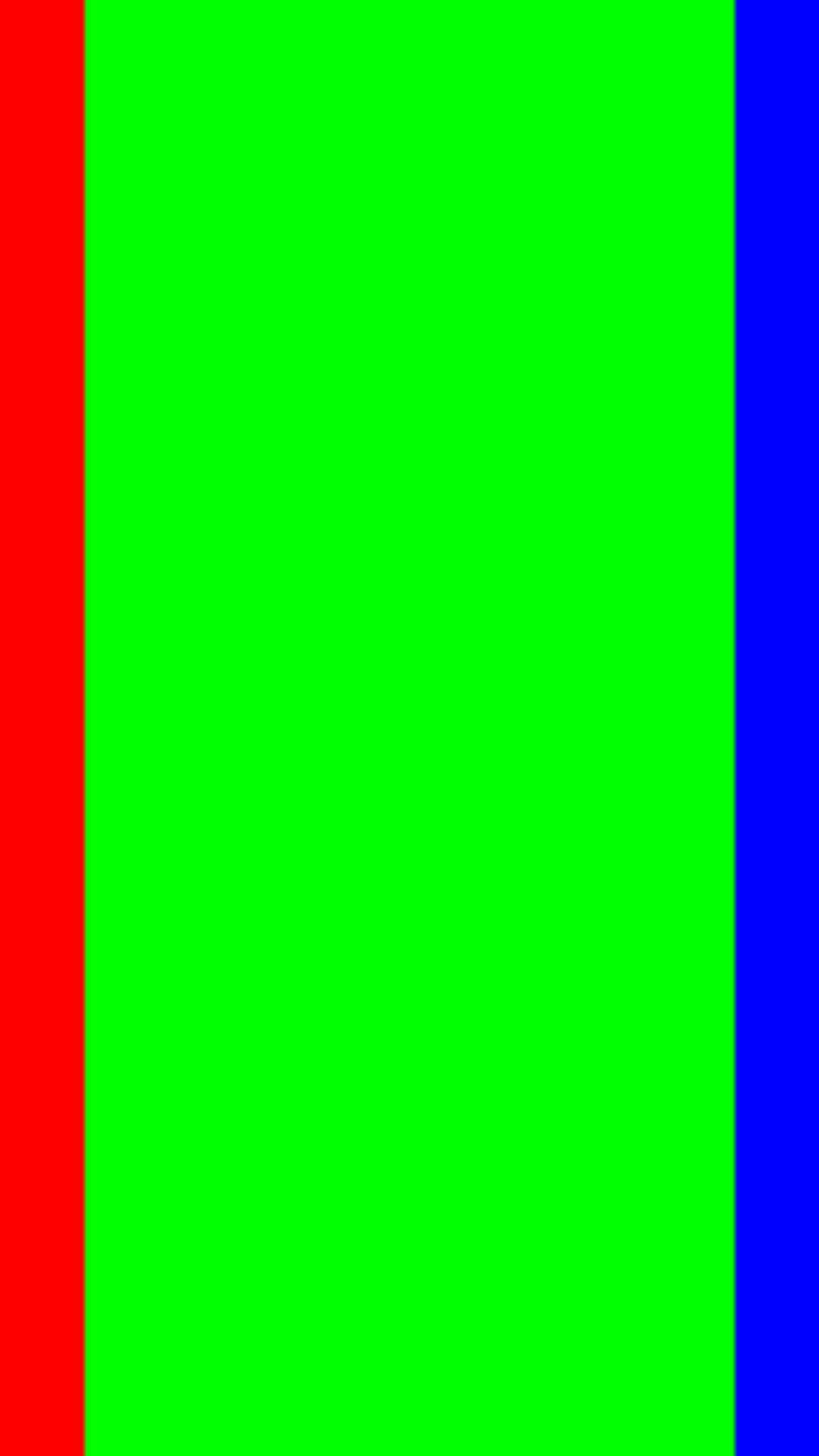
24,528 bytes. About 169 of the original 400 pixels of width stay in the centered crop.
The green center fills most of this example. Drag the crop to a subject near the edge, or choose Fit to keep the full width with large top and bottom borders.
Try the synthetic source. Byte counts depend on the image and browser. This small source is enlarged; resizing cannot restore detail. This is an export test date, not a new first-party source-check date or proof of Instagram acceptance.
How to resize to 1080x1920
- Choose a JPG, PNG or WebP image. Large files can take longer to load.
- In Fill, drag the crop frame to choose what stays. Fit keeps the whole image with borders.
- Download and inspect the result.
Help with cropping, blurry images, file sizes and download errors.
FAQ
What size does this Instagram Story preset export?
This preset exports 1080 x 1920 pixels (1080x1920). Fill crops the image without stretching it. Fit keeps the full picture and adds a colored border where needed. The format is fixed by the preset.
What should I check for this Instagram Story export?
This Story preset exports a tall still image, not a video. A landscape source can lose most of its width in Fill; drag toward the subject or use Fit if keeping the whole frame matters more than borders. Add captions after checking the Story editor: controls and overlays can cover the image, and FitShift has no verified safe-area overlay or guarantee of current Instagram requirements.
Should I export a Instagram Story as JPG or PNG?
This preset exports JPG, which does not keep transparency. In Fill, transparent areas become white; in Fit, you choose the background color. For transparent artwork or a different output format, use a suitable PNG preset or another editor.
Is this Instagram Story resizer free and private?
Resizing is free with no sign-up. FitShift's image code processes the selected file in your browser, without an upload. The website still makes ordinary hosting requests; see the privacy page for that distinction.